Call Us On 1 800 680 7712 (9am - 6pm GMT)
Location: Skip Navigation LinksHome Page : Sample Uses : Ecommerce Parser


More Awards

Email2DB Example Uses - Ecommerce Automation

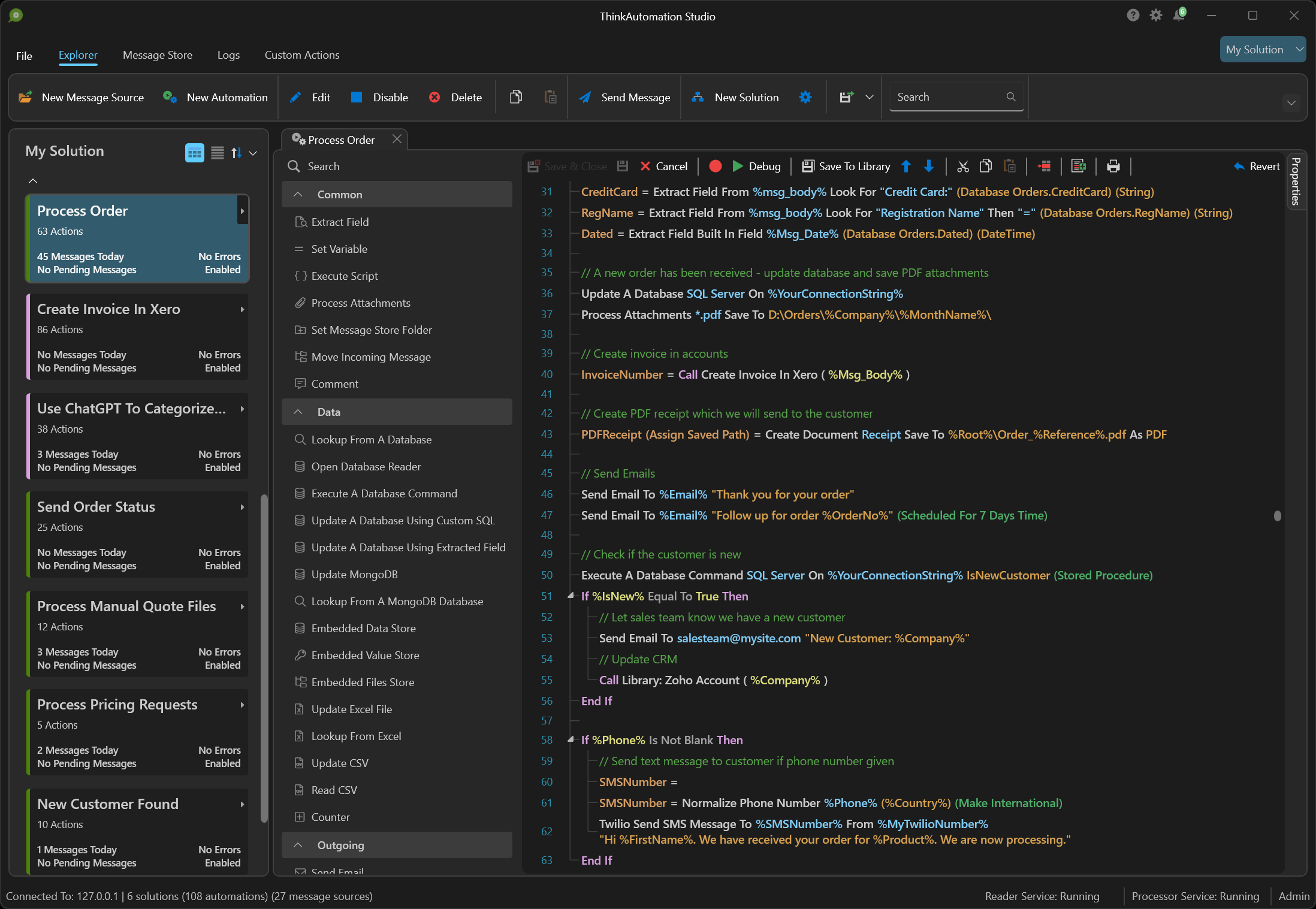
If you receive any sort of form-based information via email, you will find Email2DB an invaluable tool.

Email2DB is an email parser. It can scan your emails and look for & extract (parse) pieces of information which it stores in 'fields'. Any number of fields can be extracted from a single email. Email2DB can then construct the statements required to update your database.

For example, suppose you sell your products on line. From your e-commerce provider you will probably receive an email for each new order. It may be in a format similar to this:

Dear Mr./Mrs. Stephen Parker,

We have received an order for your product "Widget".
The credit card charge has been authorized.
We sent out the license key of the program to the user:
 
Program = 123456
Number of licenses = 1
ShareIt Ref.No. = 56789
Net sales = USD 120.00
collected VAT = USD 0.00
Net Discount = USD 0.00
Shipping = USD 0.00
Total = USD 111.05
   
Last Name = Miller
First Name = Dan
   
Street = 24a Stanley Street
ZIP = ST6 6BW
City = Stoke on Trent
Country = United Kingdom
Phone = 01782 822577
E-Mail = dan@mydomain.com
VAT ID =

This is a sample cut down version of the email we receive from our e-commerce provider. Others, such as eBay, Paypal, WorldPay, Amazon Marketplace, RegSoft, ComponentSource etc.. all send some form of email confirmation of orders, payments, enquiries etc. You may have also set up your own on-line forms that you receive via email.

Email2DB is able to parse the email above, extract all the fields, such as Last Name, First Name, Street, Net Discount etc, and construct a SQL statement to update your back-end database. It can also update a CSV (comma separated values) file for importing into spreadsheets, such as Excel. In addition to this it can take the customer information and create an Outlook contact record in a folder of your choice.

That's not all.. Email2DB can send new email messages (an 'Auto Response') using email addresses parsed and extracted from the original. So you can easily send automated confirmation emails back to the customer and send an email to your order processing department to tell them to start working on the order. If the incoming email contains attachments, Email2DB can save them to a specific location and even rename them based on data in the email. Email2DB can even print a custom report and save it as a PDF file which can be emailed onwards as an attachment.

Email2DB can inform you when new emails are processed, by making a sound, displaying a popup message and printing a report of extracted data and/or the original email to a printer of your choice.

More Information:

Product Features

Product Tour

Download Evaluation