Email2DB Release Notes
Current Build: 2.0.411 - Date Posted: 1st June 2008
To obtain the latest build, choose Help - Check For
Updates in the Email2DB Administrator, or click
here to login to the Customer Area.
To check which service pack you currently have, choose Help - About.
New entries are added to the end of the list.
| No |
Date |
Details |
| 1.9.290 |
19th Feb 2007 |
New Version 1.9
New features (All Editions):
Added 'Attributes' tab to field properties. Default values and
validation rules can now be assigned to fields.
Added 'Extract To End Tag' to extraction options. Useful when
extracting from XML/HTML documents.
Added option to automatically delete checked messages after x days.
Improved installation on Windows Vista. Email2DB service does not
interact with the desktop to avoid the annoying service 'want to
display' messages in Vista.Enterprise Edition Only:
Added 'Remote Administration'. You can now run the Email2DB
Administrator on separate PC from the Email2DB Server. Works via
TCP/IP allowing you to remotely configure Email2DB servers over the
Internet. |
| 1.9.292 |
21st June |
Added 'Send Fax' action. Allows you
to send custom fax messages. Use the Report Designer to format your
fax. Improved the logging options. Email2DB now stores log
entries in a database instead of a text file. You can specify the
number of days to keep log entries for. Email2DB will automatically
purge old log entries.
When viewing a checked message you can now view log entries
associated with that email.
When updating Outlook Contact fields via Email2DB you can now
specify that you want the data to be appended to the existing value
instead of just being replaced. To to this specify a + character at
the start of the field value. |
| 1.9.292 |
10th July |
The built-in mail server will now accept
incoming emails to be processed by a trigger where the 'To' address
contains a list of emails separated by comma's.
If Email2DB Server is using SQL Server for its own checked messages
database, the Email2DB Service could sometimes fail to start if SQL
Server itself has not yet started. Now the Email2Db Server will
re-try several times before closing. |
| 1.9.293 |
1st Aug |
Fixed issue with viewing checked
messages when using SQL Server as the checked messages database type
and the message contained error information. |
|
1.9.296 |
16th Jan 2008 |
Improved support for Outlook 2007. The Email2DB add-in will no longer cause Outlook
2007 to hang. |
|
2.0.411 |
1st June 2008 |
New Version 2.0
Performance Enhancements
Email2DB Accounts and Trigger settings are now stored in a database file called
'Metadata.vdb'. This enables the Administrator and Server to load and update individual
triggers as needed and makes editing faster. Previously all settings were stored
in a single XML file.
The Email2DB Parsing Services, Outgoing Email Sending,POP3 & IMAP Services now
run as separate Windows services allowing for better performance and scalability.
Previously all these services ran within the same process.
Message Store
Messages received by Email2DB can now be assigned to folders within the Message
Store (previously called the 'Checked Messages Database'). Any number of folders
and sub-folders can be created. You can define which folder to store messages in
for each trigger.
Email2DB 'users' can be created and assigned access rights to individual folders
in the message store.
Administrator
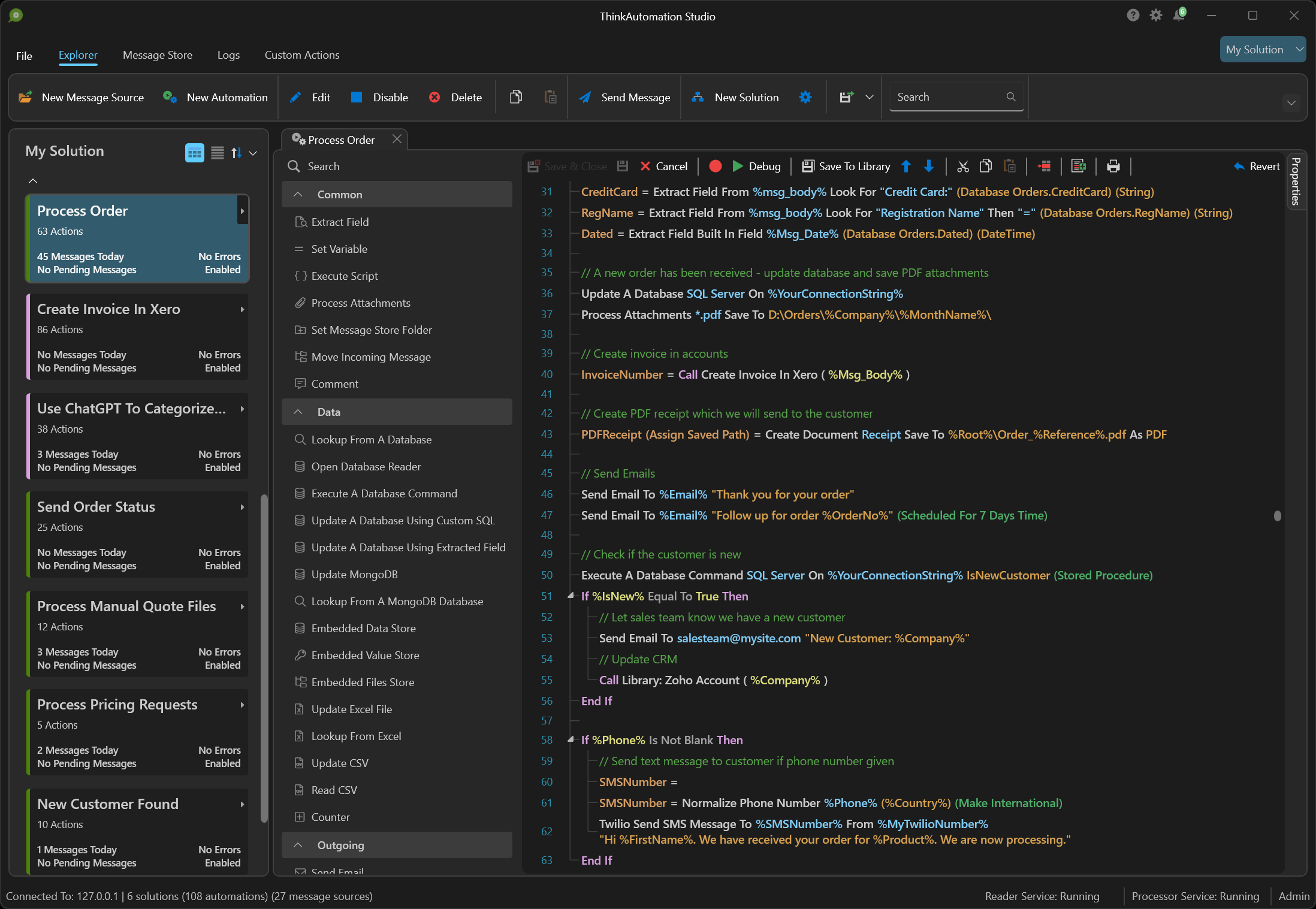
The Email2DB Administrator user interface has been completely re-written and now
uses Office 2007 style menus and dialogs for better productivity.
Users must now login to the Email2DB Administrator with a user name & password
for added security.
Viewing the message store has been improved. The grid can be grouped by any of the
headers (the default is the message date). You can now select the folder to view
and drag & drop messages between folders.
When viewing HTML emails then HTML will be rendered instead of just showing the
HTML text as before.
Accounts and Triggers can now be imported from other Email2DB installations.
Message Retrieval Options
In addition to IMAP and POP3 servers, Email2DB can now pull messages from databases,
web pages and RSS feeds for processing. This adds a whole new dimension to how Email2DB
can be used.
Outbox Processing
You can now create a special Account that will receive any emails sent
by Email2DB. Triggers within this Account can be defined to perform actions on emails
sent.
Trigger Options
Repeating block processing. You can now define a extracted field as a 'repeating
block'. Email2DB will loop through the message extracting each block in turn. The
extracted section can be passed to another Trigger for subsequent processing.
Pass-To triggers. Any extracted field can now be passed to another Trigger for further
processing. This allows you to break up complex messages into multiple triggers.
When updating CSV files Email2DB can now email you the CSV file on a daily, weekly
or monthly basis (or as each record is added). The CSV file can then optionally
be deleted ready for the next batch.
Geo-IP data is now stored against each processed message for the sender's IP address
(City, Country and Organization). This can then be used on Trigger conditions and
actions. (Useful for creating Triggers based on the geographical location of the
email sender).
Mail Server
The built-in mail server has been enhanced with multiple security options
added. Including: Black, White & Grey listing, Bayesian spam filtering, MX and
RDNS lookup tests, RBLS lookups and more.
Folders within the Message Store can be assigned any number of email addresses.
Incoming emails for these addresses will be saved in the message store in the relevant
folder without the need to create a Trigger in Email2DB.
Users can be created and assigned multiple email addresses. Incoming emails for
these addresses will be saved in the Message Store for the user. The user can view
their messages via the Email2DB Administrator or by using a regular email client.
Outbound emails sent by Email2DB triggers or relayed via the mail server will be
queued by Email2DB for sending.
Support for sending to secure mail servers (STARTTLS) added.
Remote clients can now use IMAP or POP3 to access the message store using any email
client.
General
Web Access option now enables you to monitor the Email2DB Server remotely
using any web browser.
Improved support for Windows Vista. The Email2DB Service no longer interacts with
the desktop. Popup messages are displayed via the Administrator.
Support for Windows 2008 added. |